Travel Diary is the most extensive android app for planning, recording and sharing your journeys
RECORD YOUR ROUTE
Rich featured GPS recording for drives, walks and hikes. Insert media-enriched locations for complete travel collections.
RECORD LOCATIONS
Create locations based on address, current location, and enrich them with media files, weather conditions, tags, comments, and many more….
SHARE YOUR JOURNEY
Create a travel book and share with your friends as a PDF or via website integration.
API-INTEGRATION
The app makes use of GeoApify and Tomorrow.io api services for creating routes, search for nearby POI’s and look at the actual weather conditions
STATISTICS
Travel Diary gathers all kinds of statistics from your travels and locations. Countries, media files, ratings and so on…..
MANAGING YOUR APP
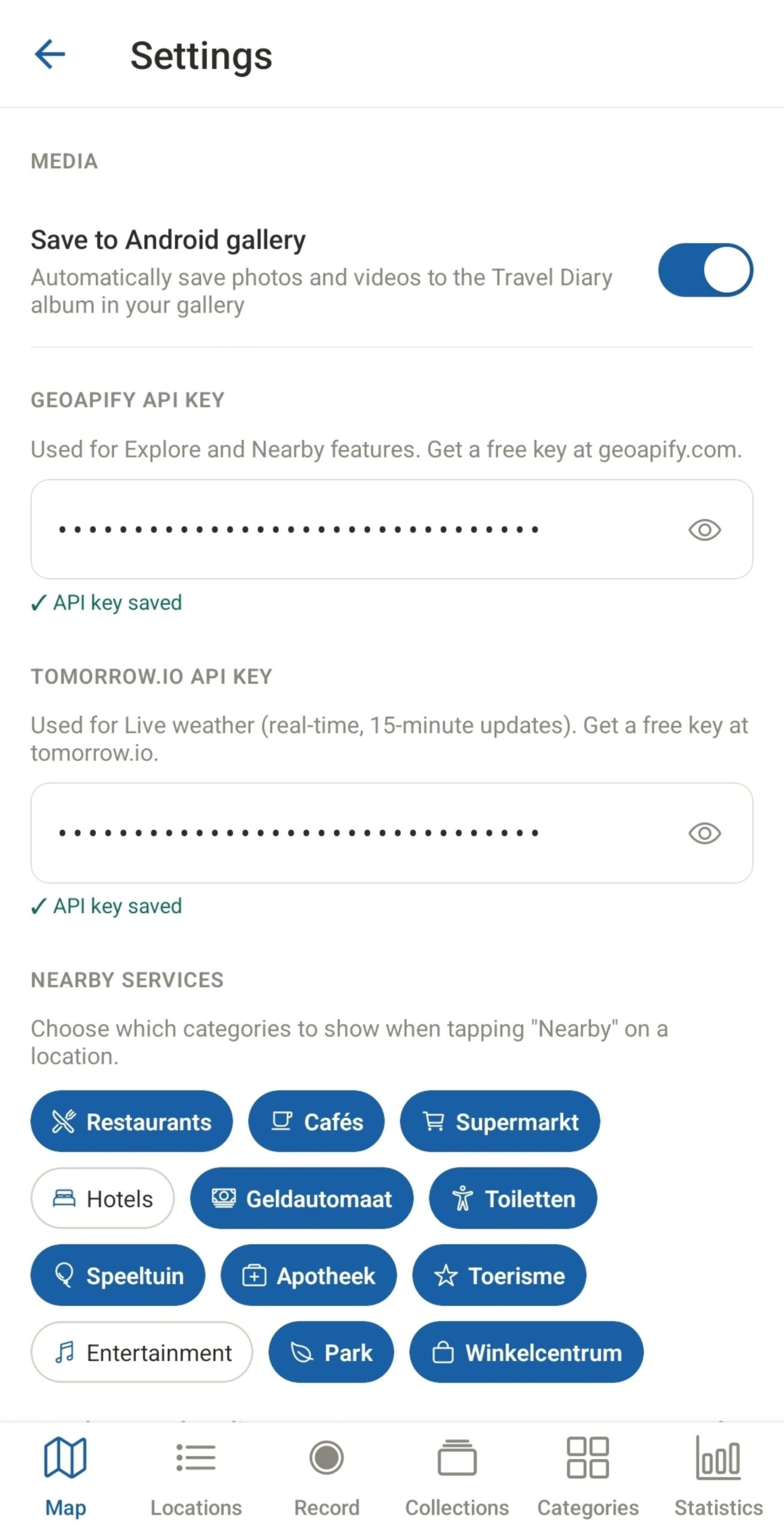
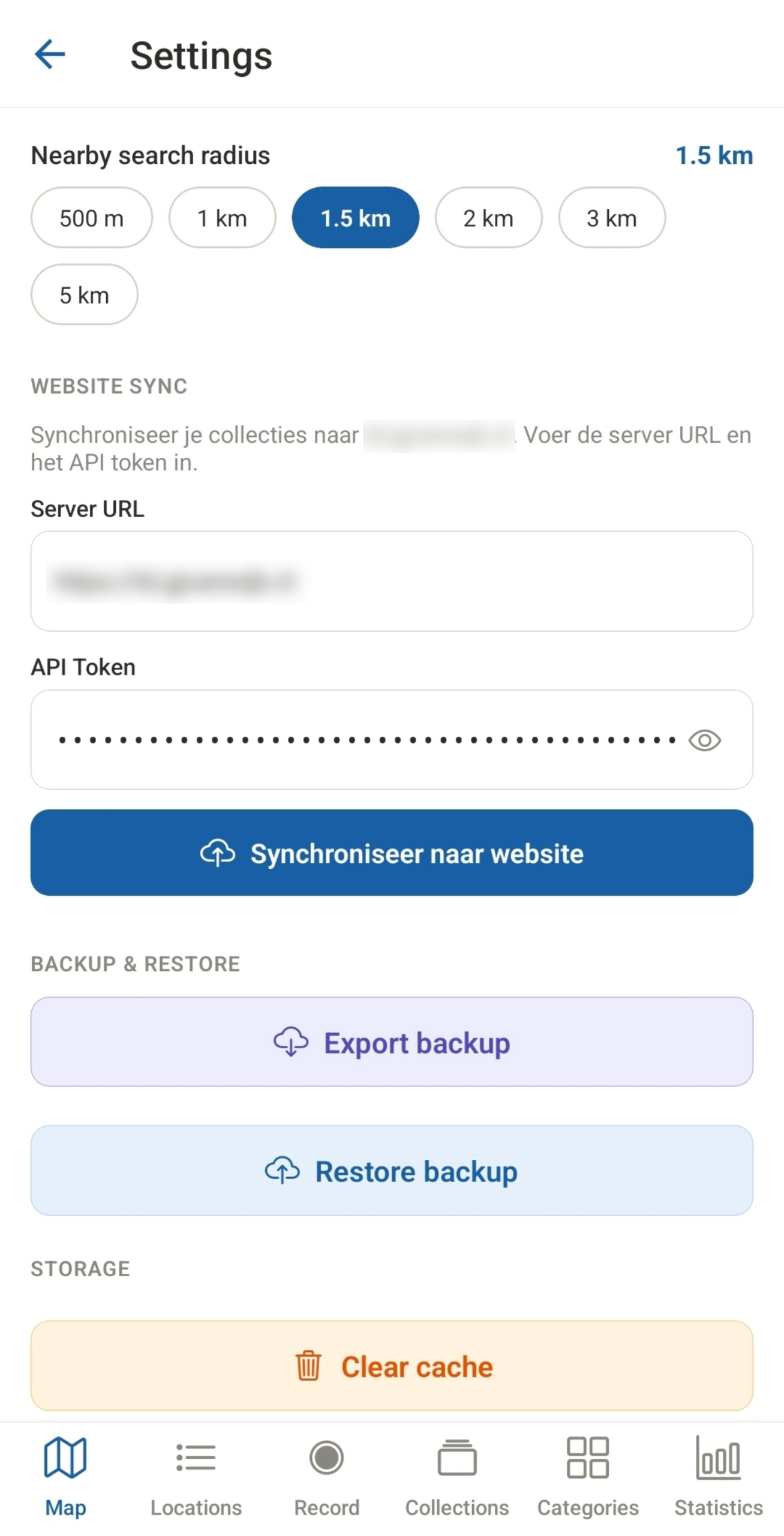
Manage your apps setings like api keys, website integrations, search distances, nearby items and last but not least create backups and restores of all your locations, collections and mediafiles
Features
MAP VIEW
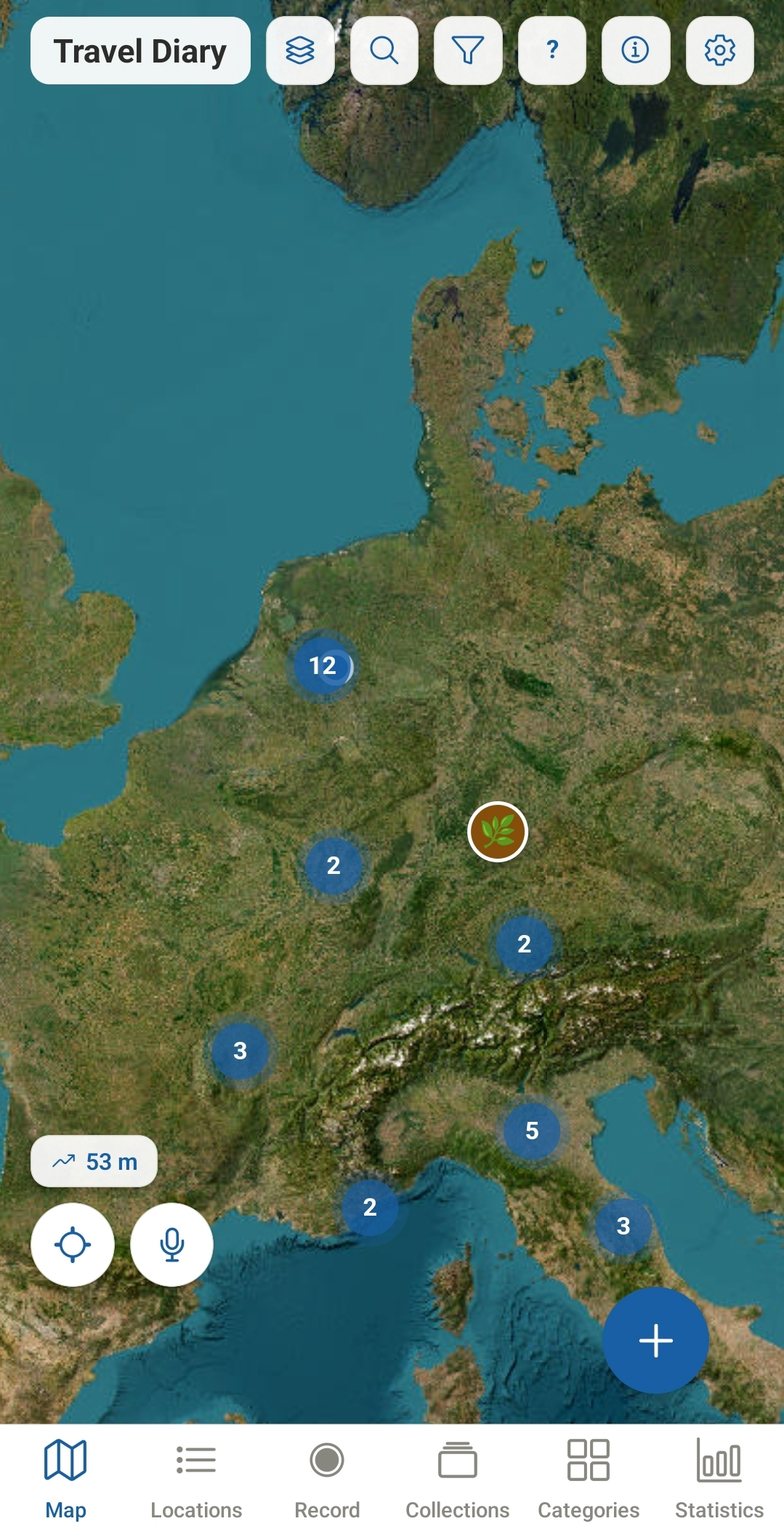
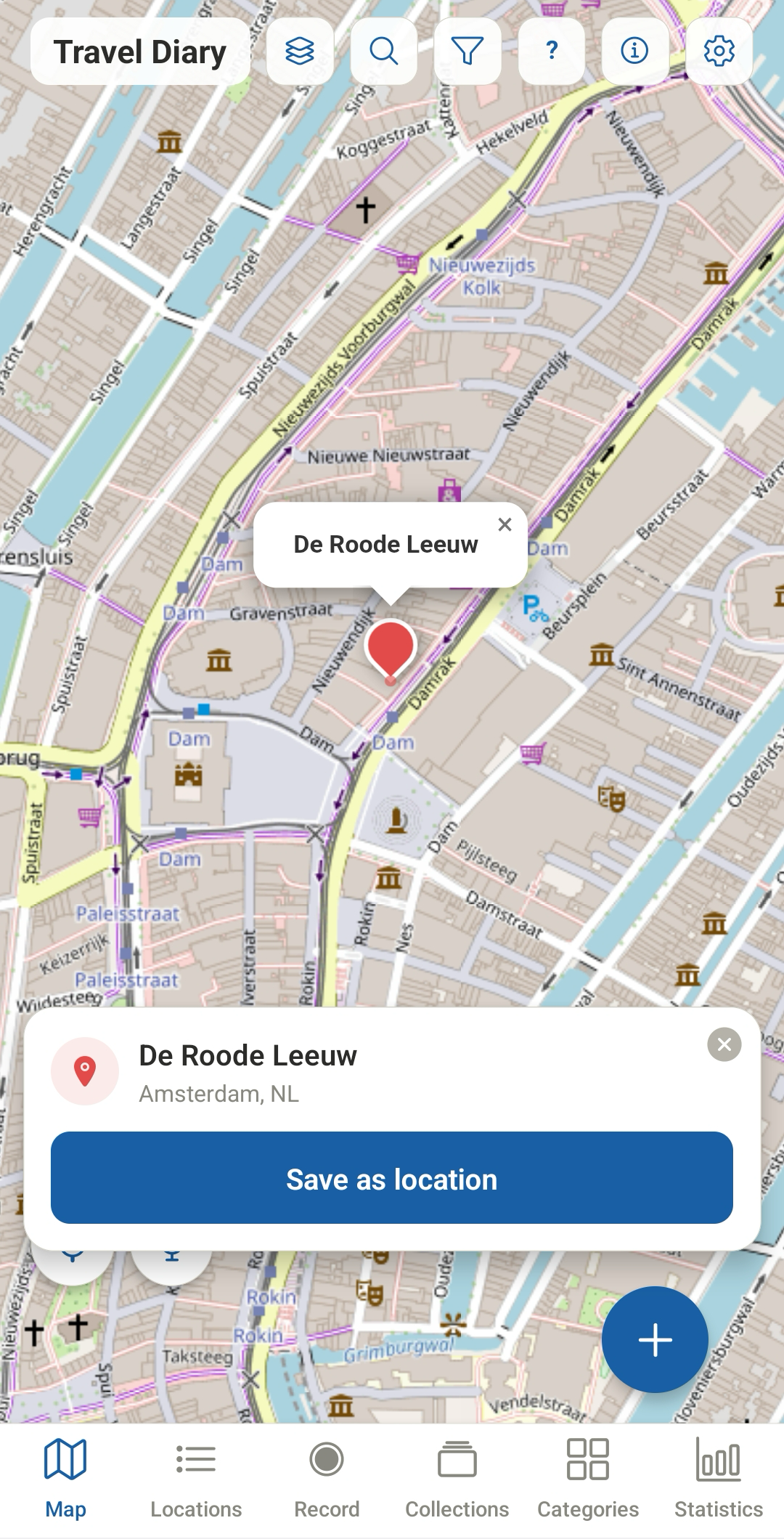
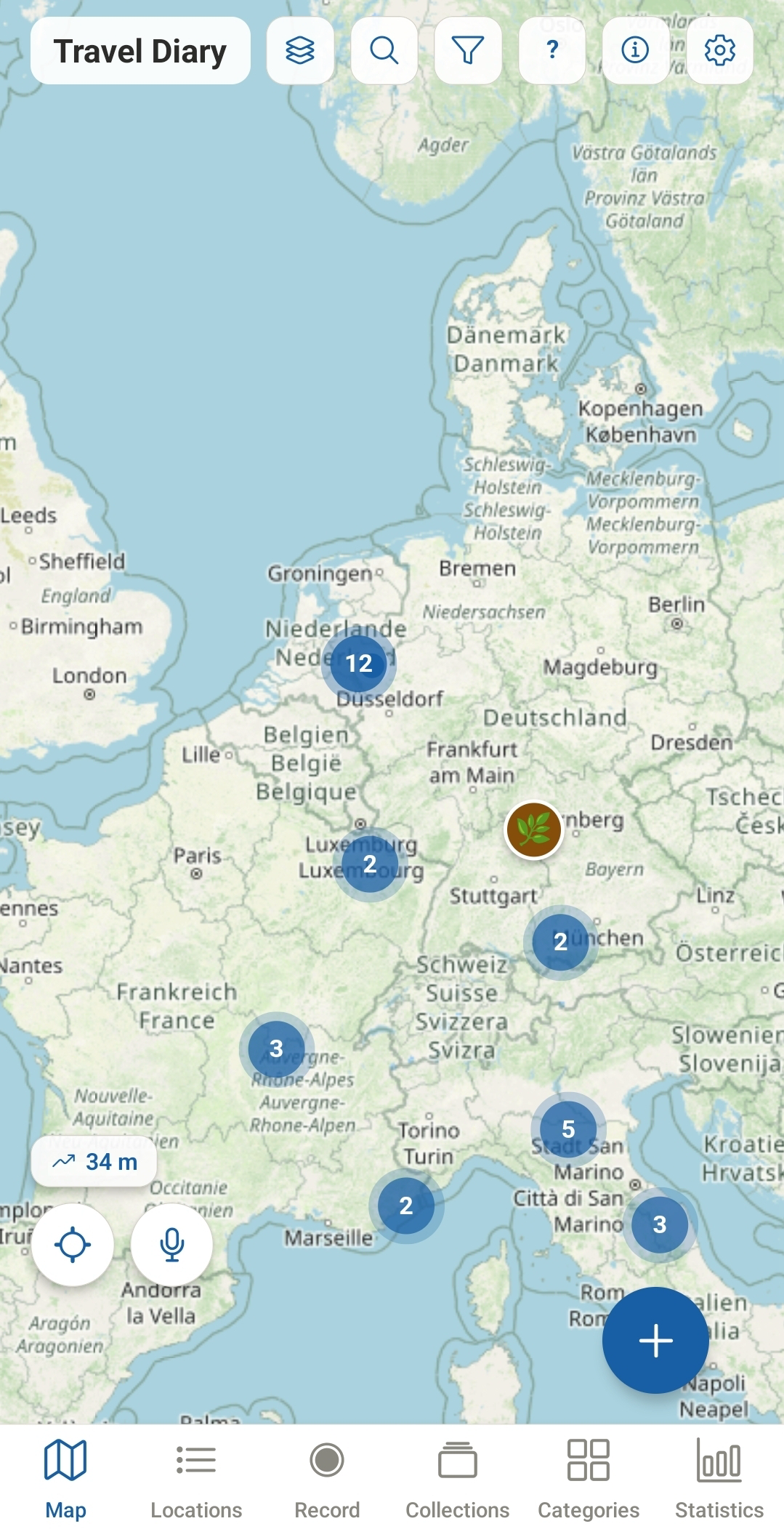
In the map view, you can add locations directly by long-pressing the map. You can also directly add your current location (including via voice) or search for addresses or POIs. Search queries can also be spoken aloud. Furthermore, you can filter by various properties and customize the map view.
MAP VIEW
The map can be adjusted to different views. The grouped locations are displayed on the map with numbers.
LOCATIONS
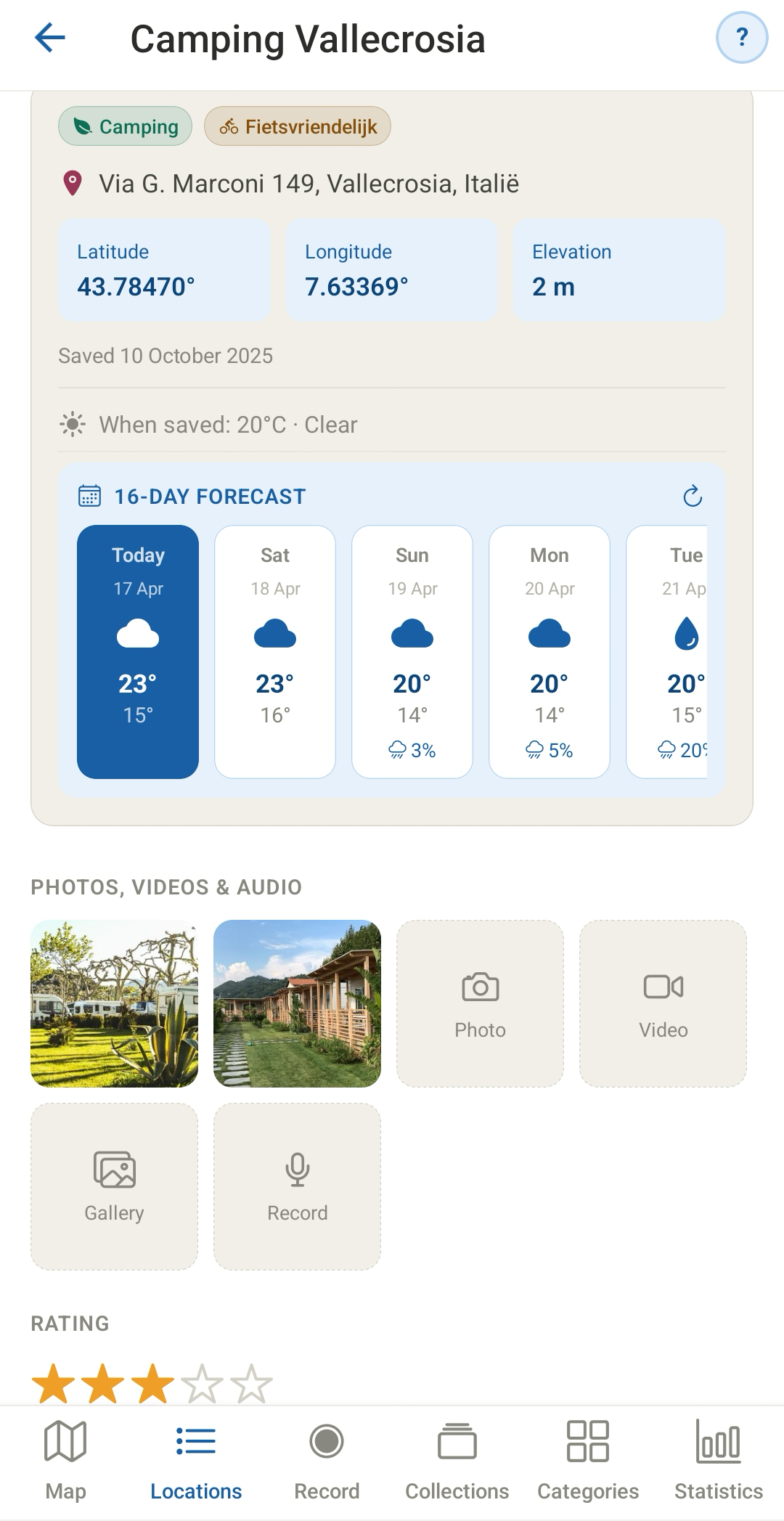
The saved locations can be populated with media files from your gallery and notes. You can also take and add a photo, video, or audio recording. In addition to the default properties such as coordinates, altitude, and weather forecast (16 days), you can define your own notes, categories, and collections.
LOCATIONS SEARCH
Add current or found locations to the location list.
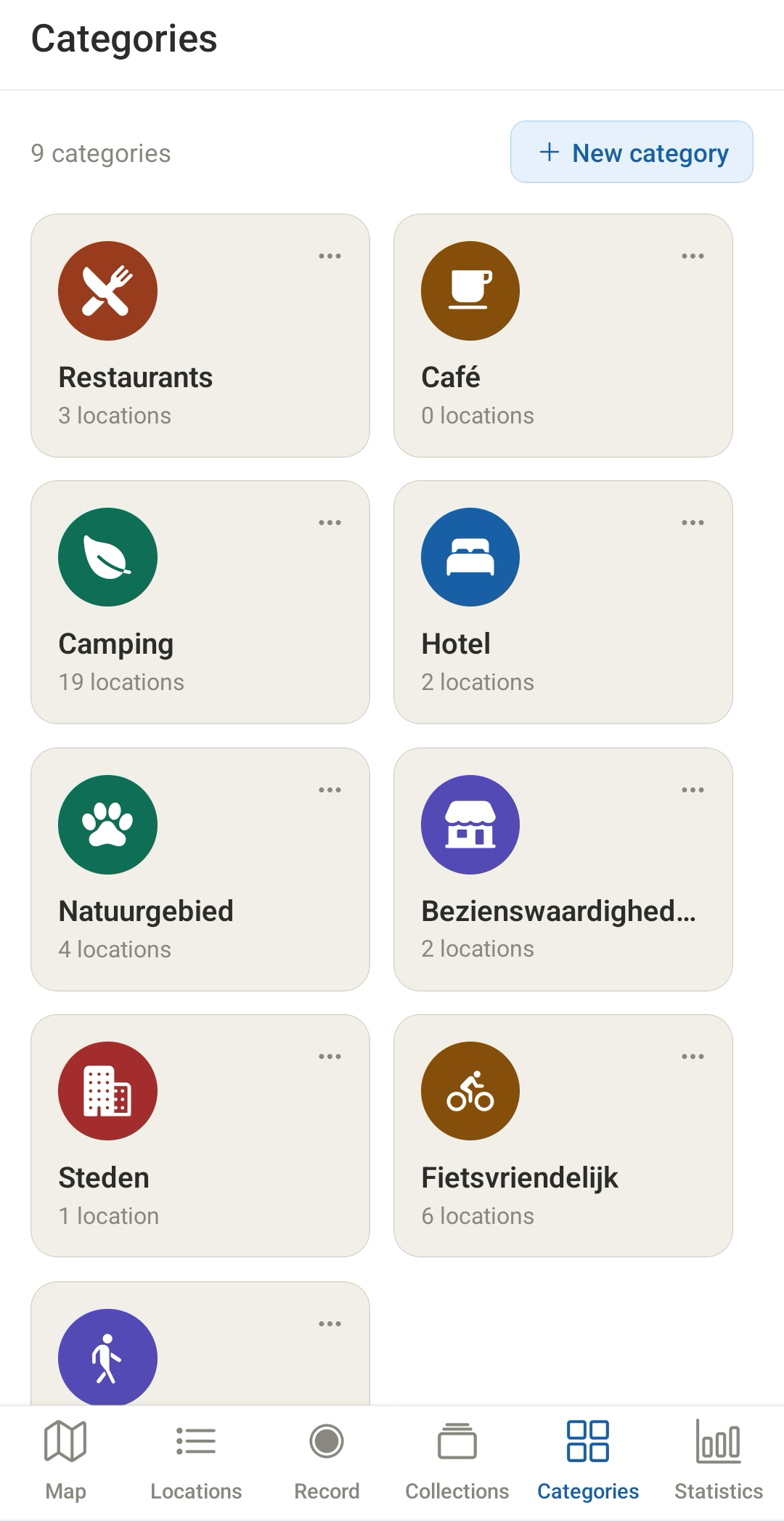
CATEGORIES
Manage the tags that you can link to locations
LOCATION INFORMATION
Take photos, videos, or audio recordings, or add items from your gallery to the location. The media files can be used in your travelbook exports or shared via WhatsApp.
LOCATIONS LIST
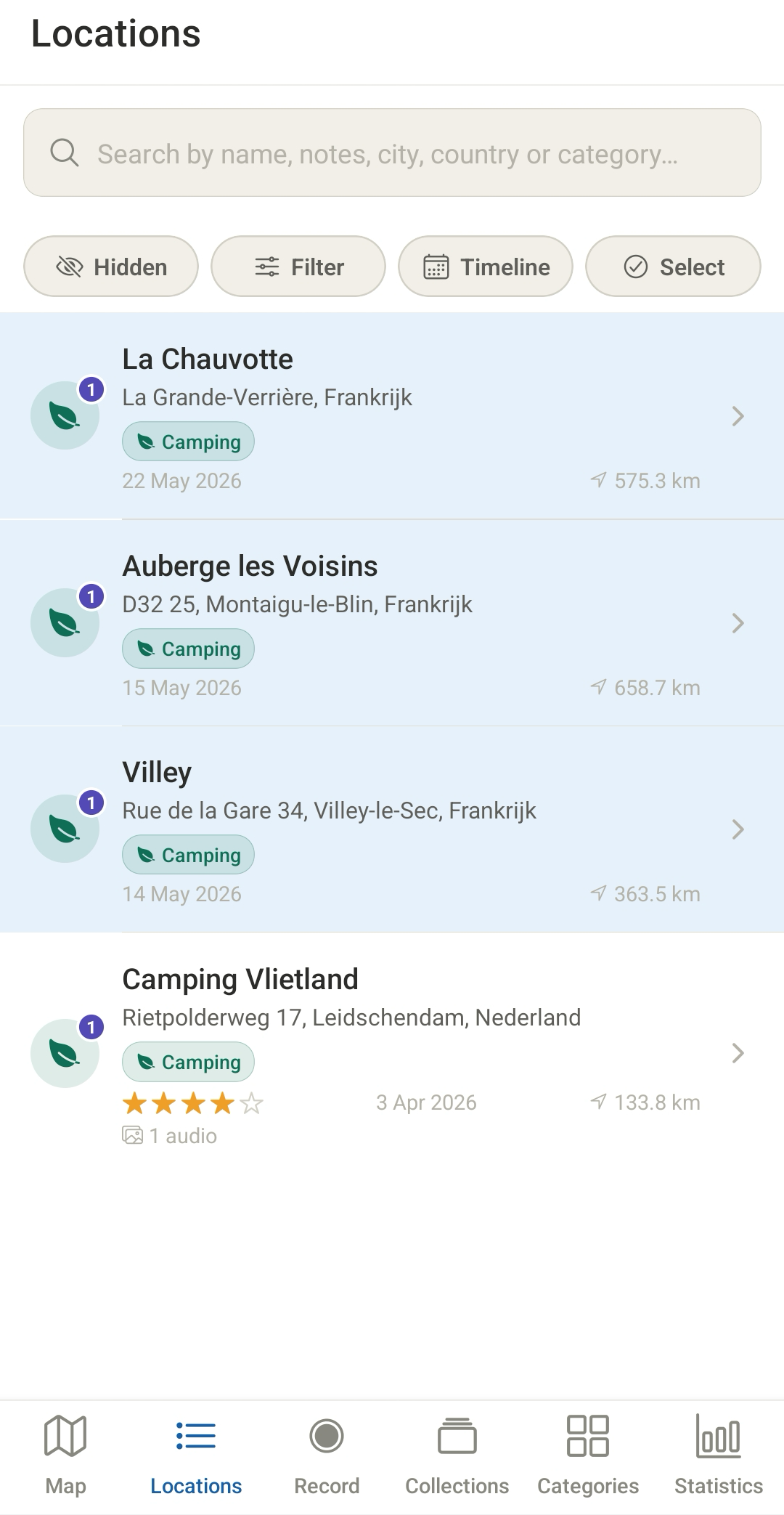
You can find locations in the location list, from where you can add them to collections. Items can be set to hidden. There are multiple ways to sort the list.
GROUPS & COLLECTIONS
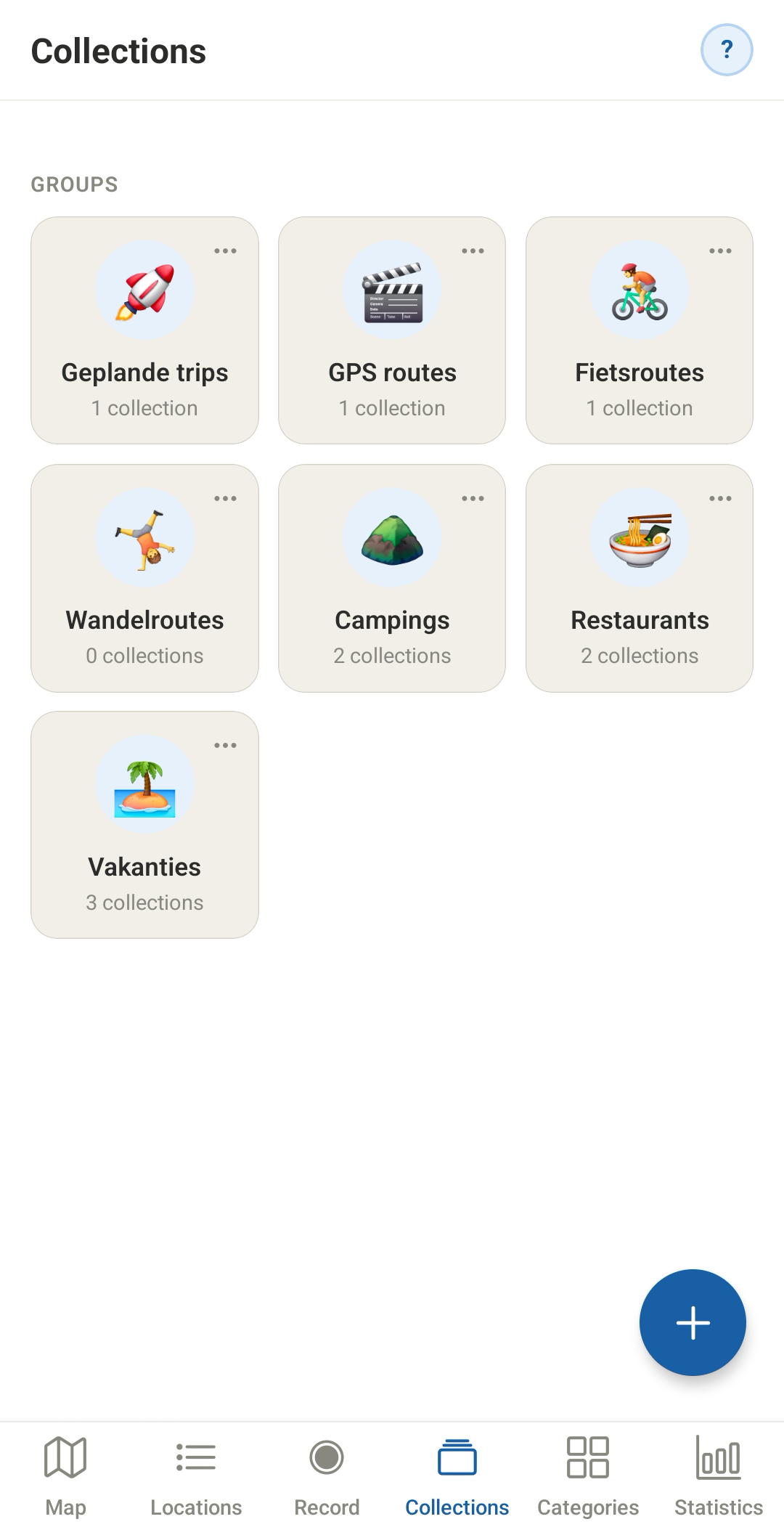
Create groups to organize your collections
RECORD GPS
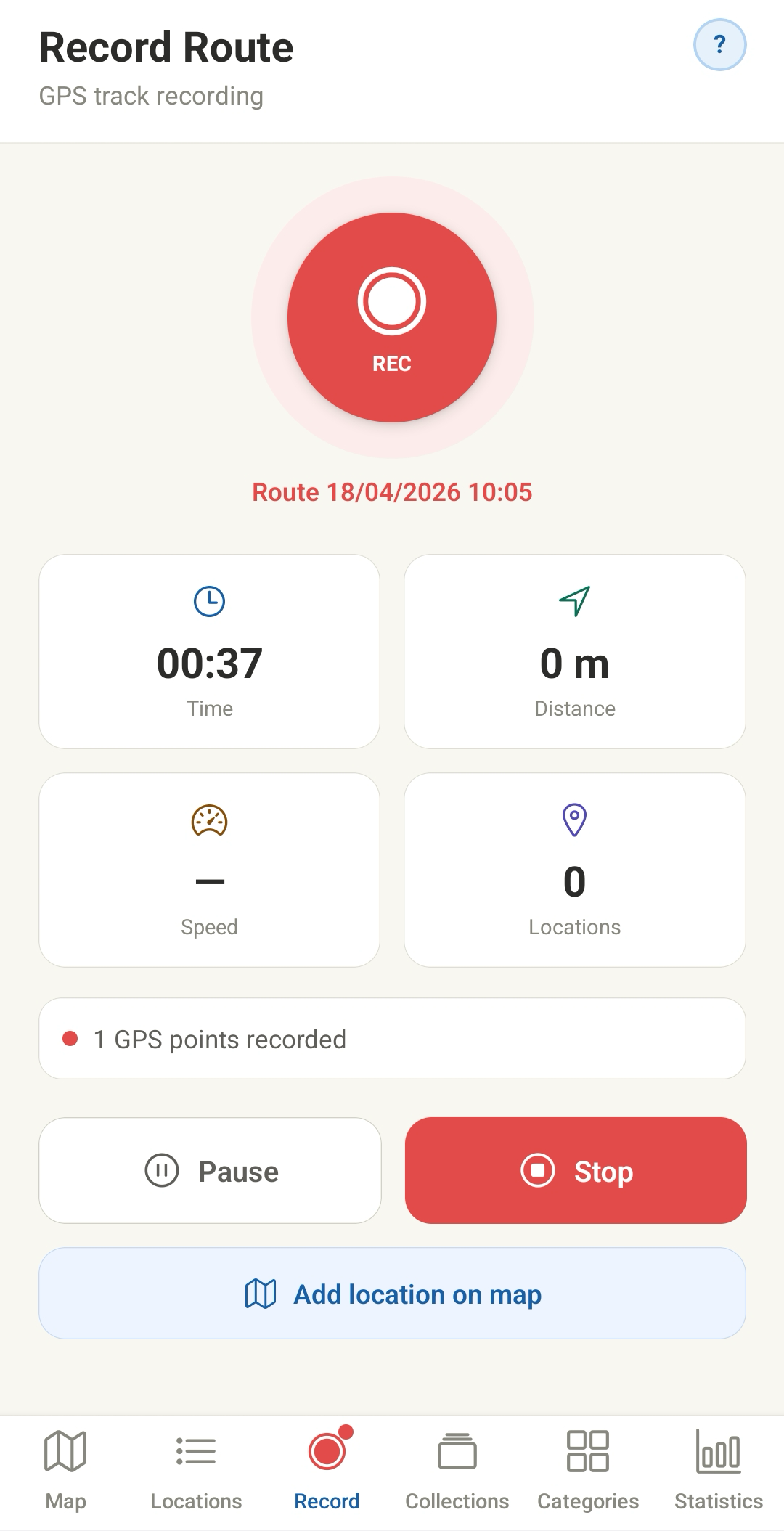
Record your routes with GPS recording. Pause and restart your recording and add locations to your route in the meantime. After stopping your recording, TD creates a collection with the starting point, any intermediate locations, and the end point.
RECORD GPS
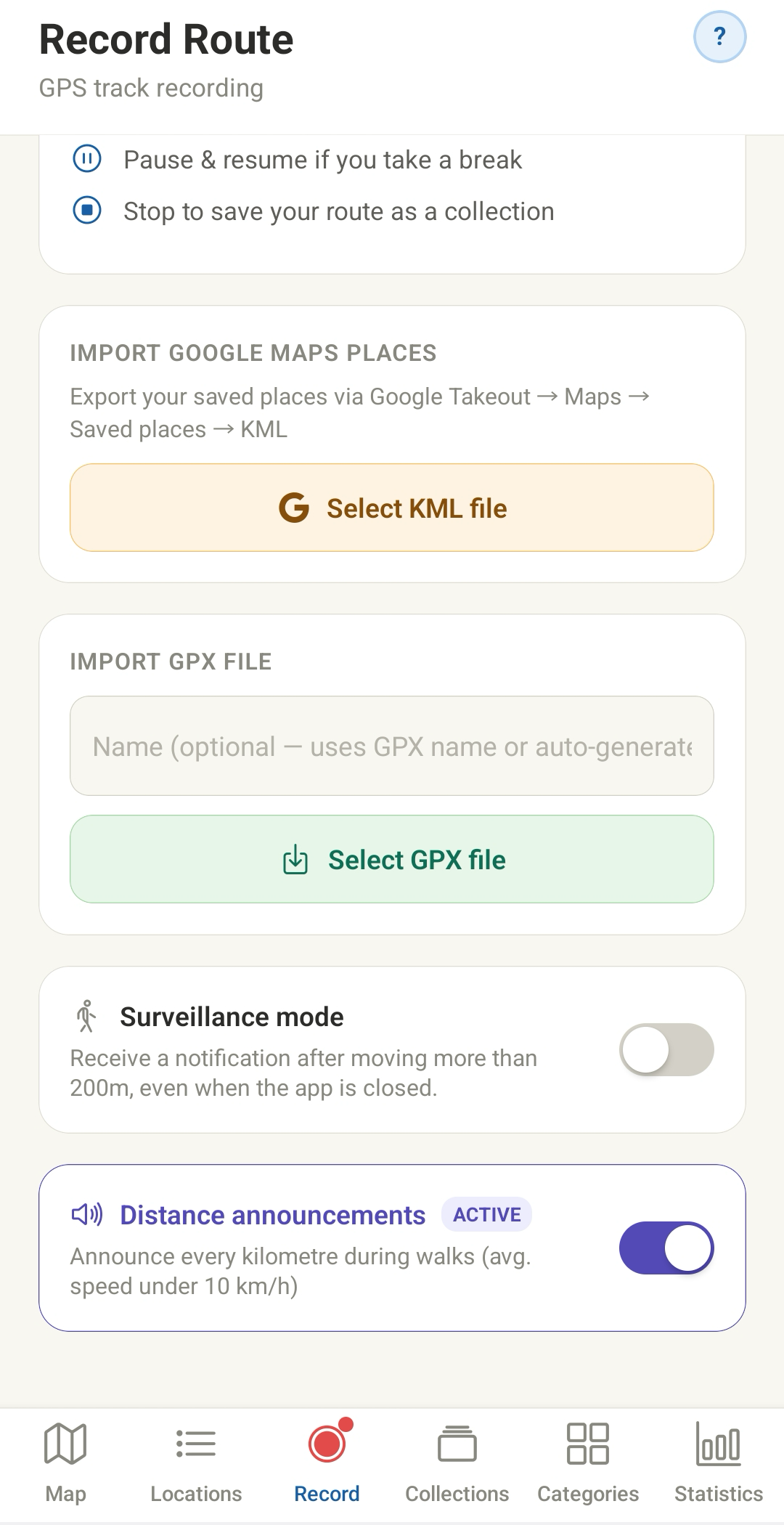
Instead of recording routes, you can also import a GPX file or KML file. The app creates a collection of these as well.
COLLECTIONS
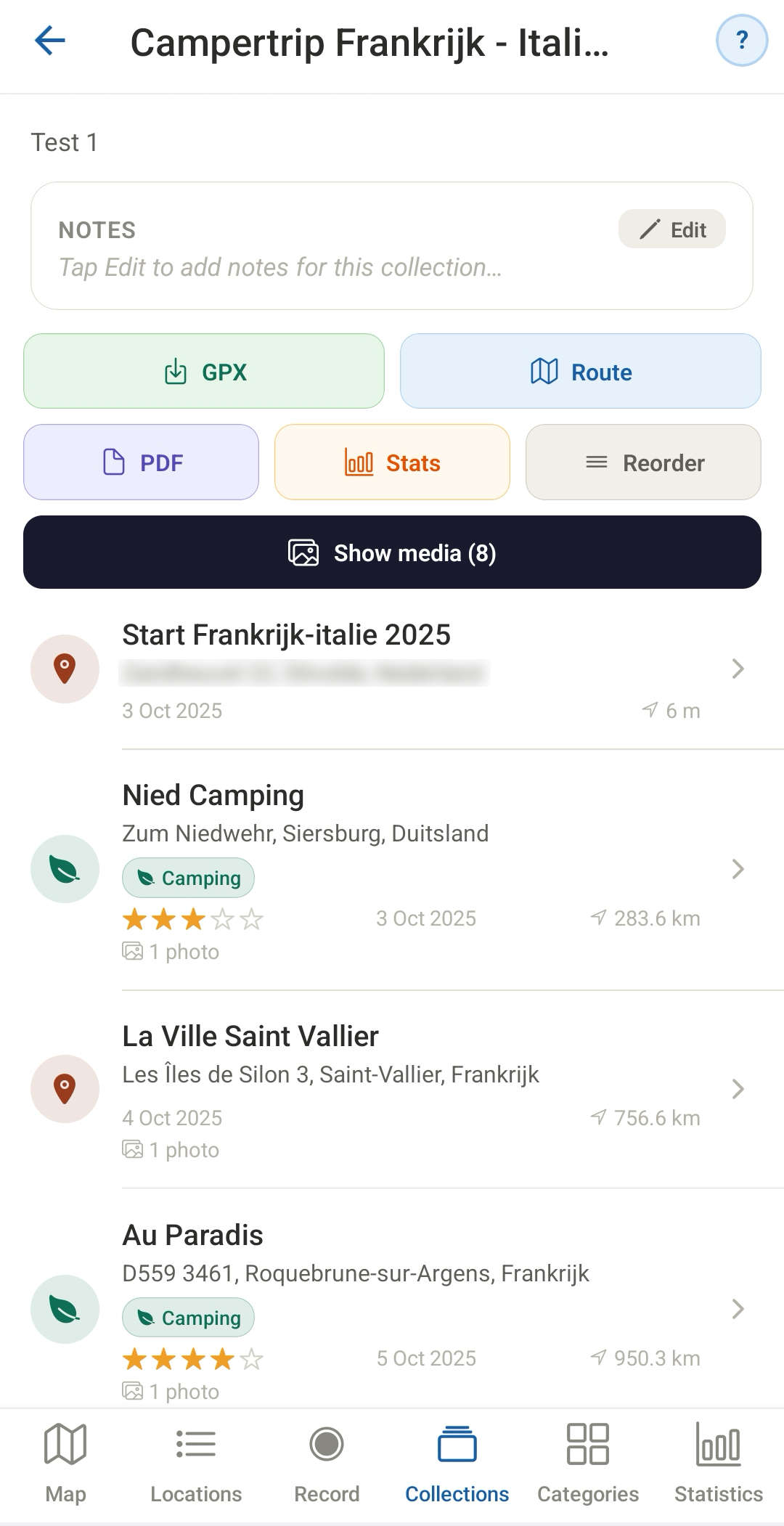
You can use a collection to display a route and optionally export it to Google Maps. Routes can also be exported as a GPX file, allowing you to use them in other apps such as Komoot. With the stats button, you can view interesting features of your collection.
ROUTES
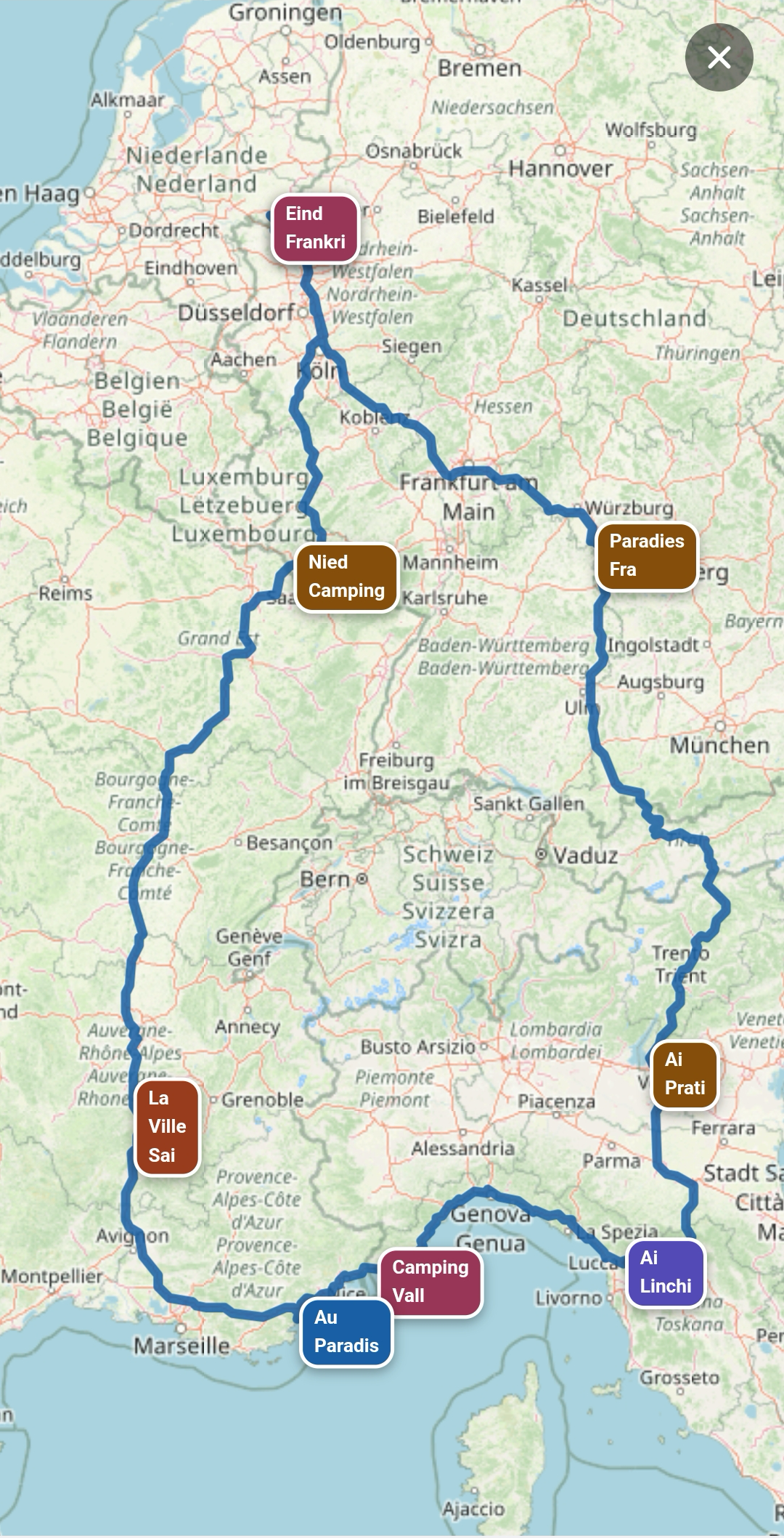
Display map route
GOOGLE MAPS
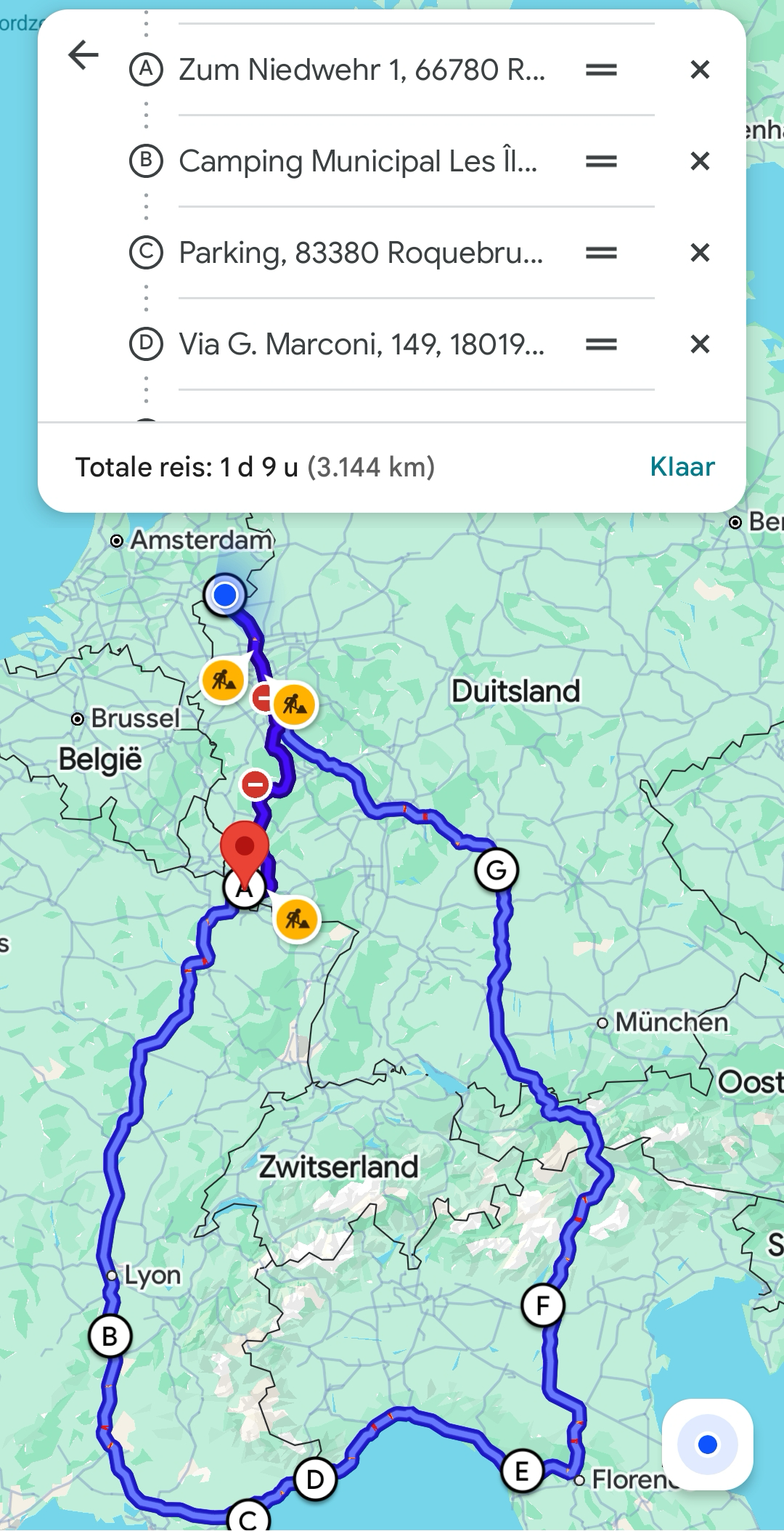
Export route to Google Maps
NEARBY
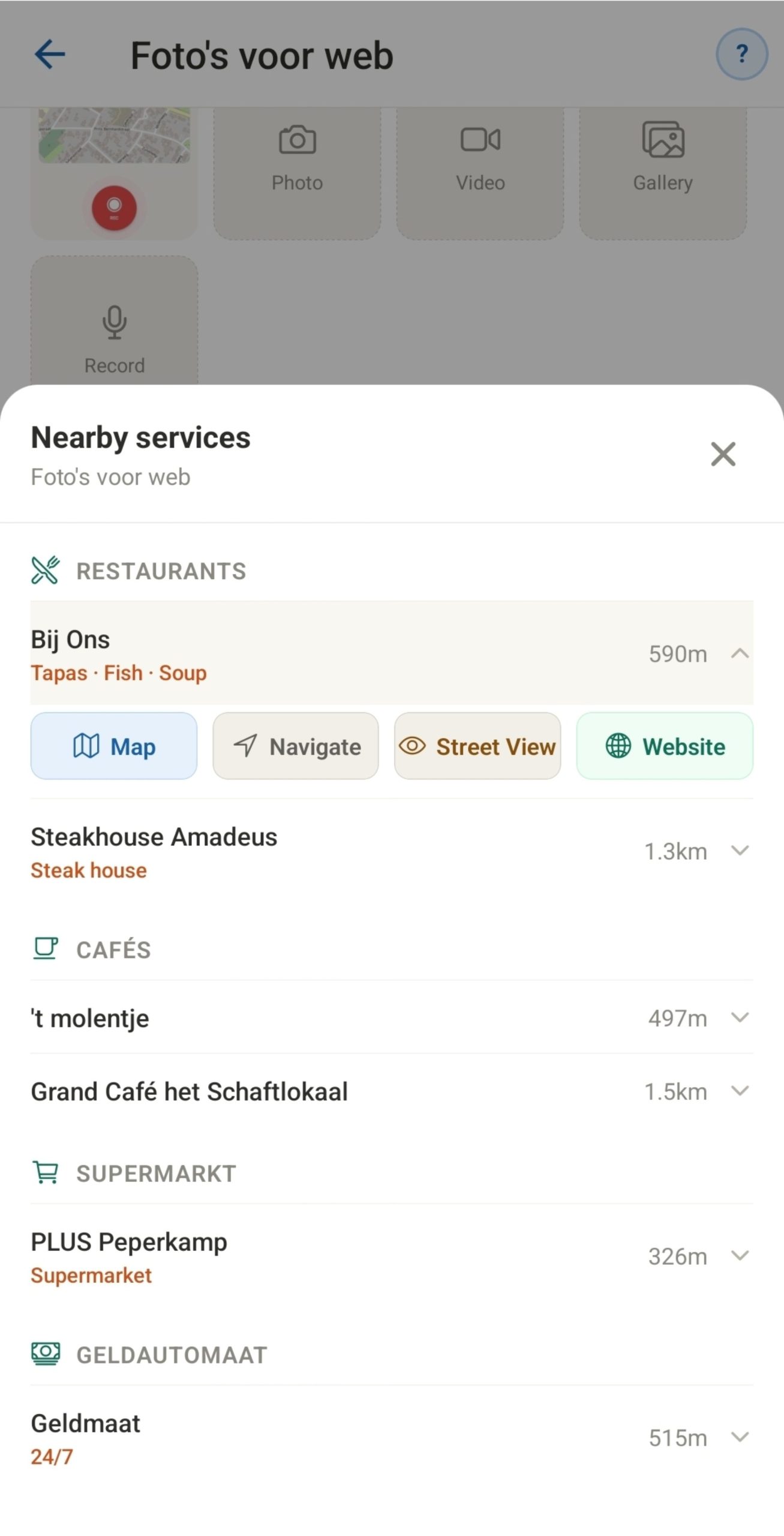
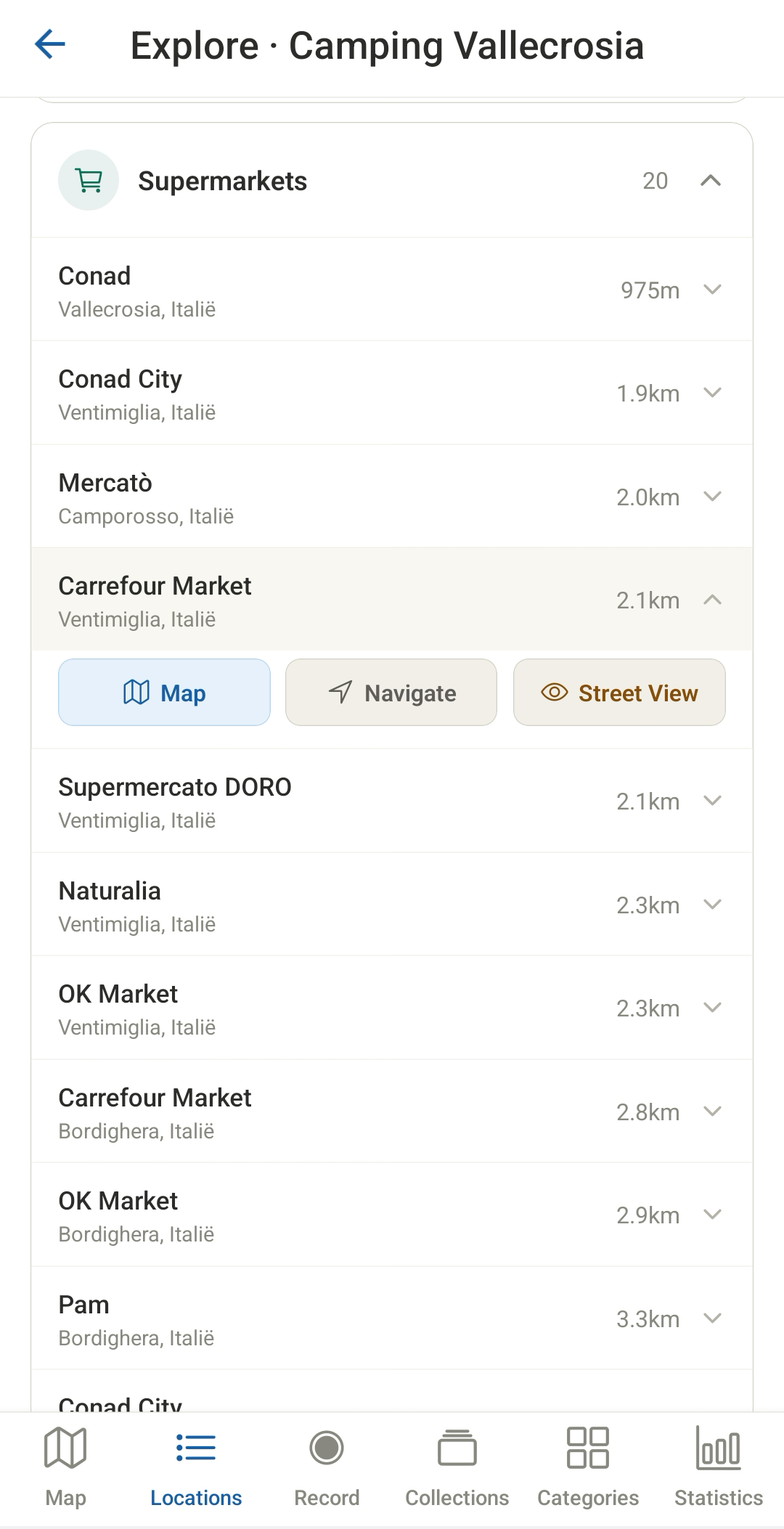
Search your area for self-definable subjects such as shops, markets, restaurants, medical facilities, etc. Click on an item to navigate to it, view it in Street View, or visit your POI's website.
EXPLORE
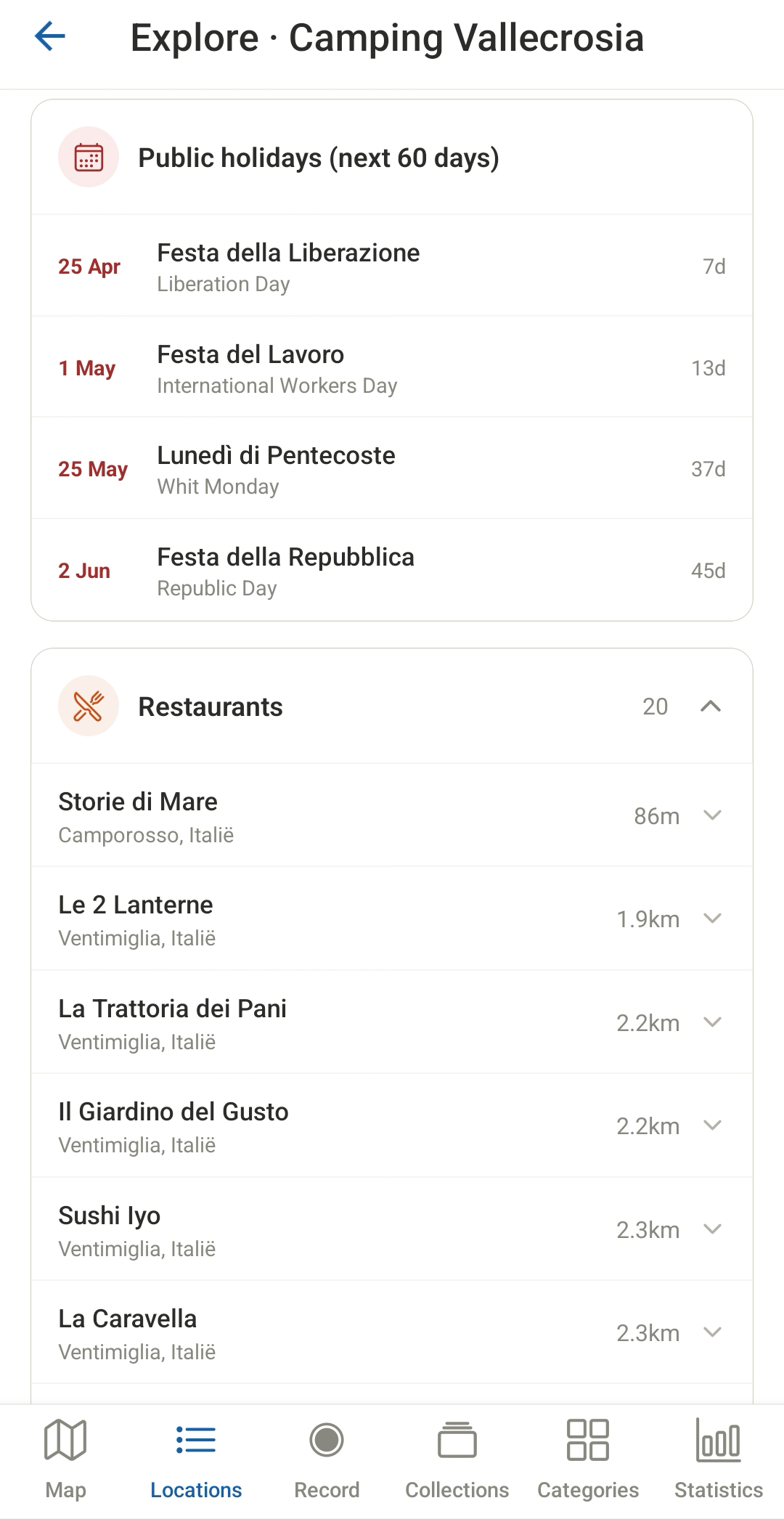
Choose explore for your current location or a saved location to search within multiple radii (5, 15, and 50 km) for numerous POIs such as historical sites, nature reserves, beaches, etc.
EXPLORE
Every found location can be exported to Google Maps or visited via the website link (if available).
SETTINGS
On the settings page, you can enter all necessary API keys (free with sufficient request credits) and adjust other settings. For example, you can also back up and restore all settings and data. Create your free account at GeoApify and Tomorrow
SETTINGS
The app also features integration with a personal website (which the user must have). Files are included with the app that allow you to set up your own API service (very simple) to share collections of your choice containing all descriptions, weather, and media files.
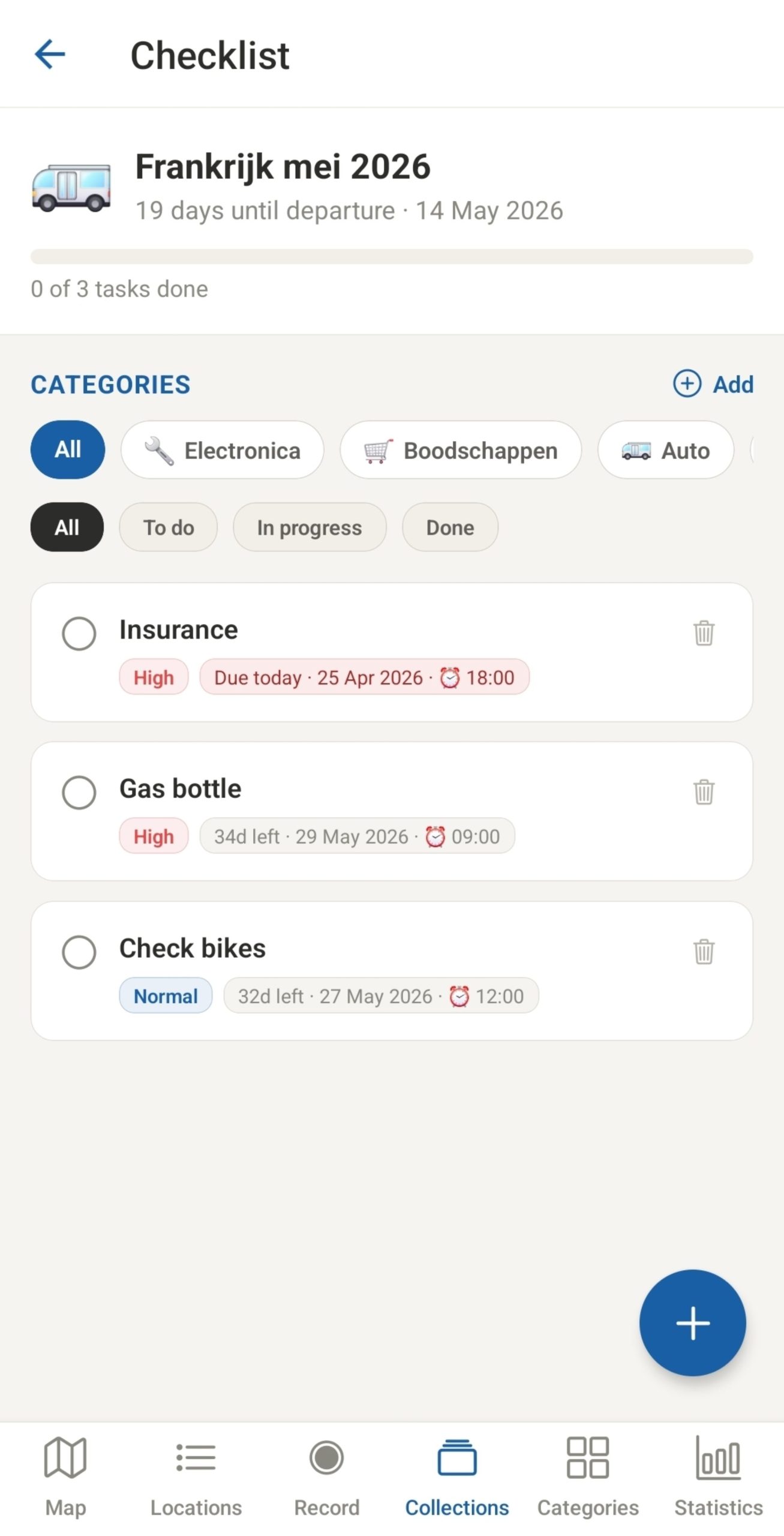
Create trip preparation checklists with tasks, deadlines, priorities and custom categories — accessible via the Collections tab. Set a reminder per task — choose how many days before the deadline and at what time the notification is sent. A progress bar shows how many tasks are completed — a vibration confirms when all tasks are done
Downloads will be available in the first week of june 2026
Travel Diary for Android is free for a limited number of locations and collections. If you’re interested in buying the app, please contact us.
Don’t forget to get your free api keys at https://geoapify.com and https://tomorrow.io
These APIs are required to use search and folder functions.
Contact us and let us know if you want the free version
available in the first week of june 2026.